AI Worker
How to Manage an AI Worker: Job Descriptions, Human Leads and Approvals
How to manage an AI worker: the job description, human lead and approval rules that keep AI useful and safe, plus a 30-day plan and free template.
Here's how AI goes wrong in a lot of small teams.
Someone signs up, connects it to a few systems and asks it to "help with marketing." Week one is exciting. By week three, drafts are piling up because nobody is sure who's meant to check them. Someone approves one in a hurry, and a post goes out that's slightly off-brand. By week six, nobody logs in anymore.
The AI wasn't the problem. Nobody was managing it.
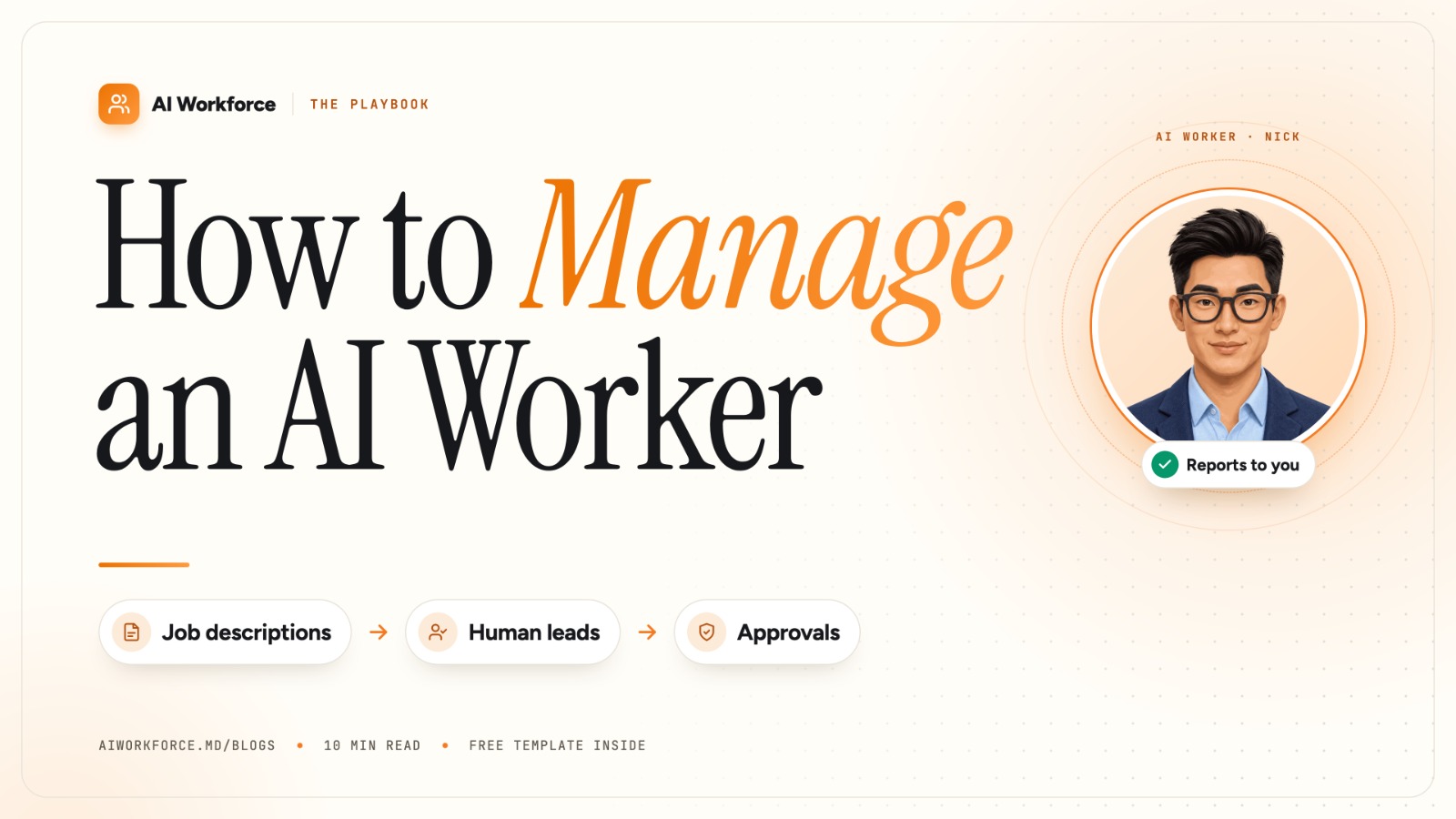
You manage an AI worker the way you'd manage a new hire. Give it a written job description, name one human lead who's accountable for its work, decide which actions need approval, correct its work so it improves, and review its results every week.
Get that right and an AI worker becomes the most consistent member of your team. It turns up every day, follows the rules you set and reports back on Friday. Skip it and you've just bought another subscription you'll forget to cancel.
In this guide you'll get:
a five-part system for managing any AI worker, with real examples
a simple green, amber and red approval model you can set up in an hour
a 30-day onboarding plan for your first AI worker
a free job description template to copy
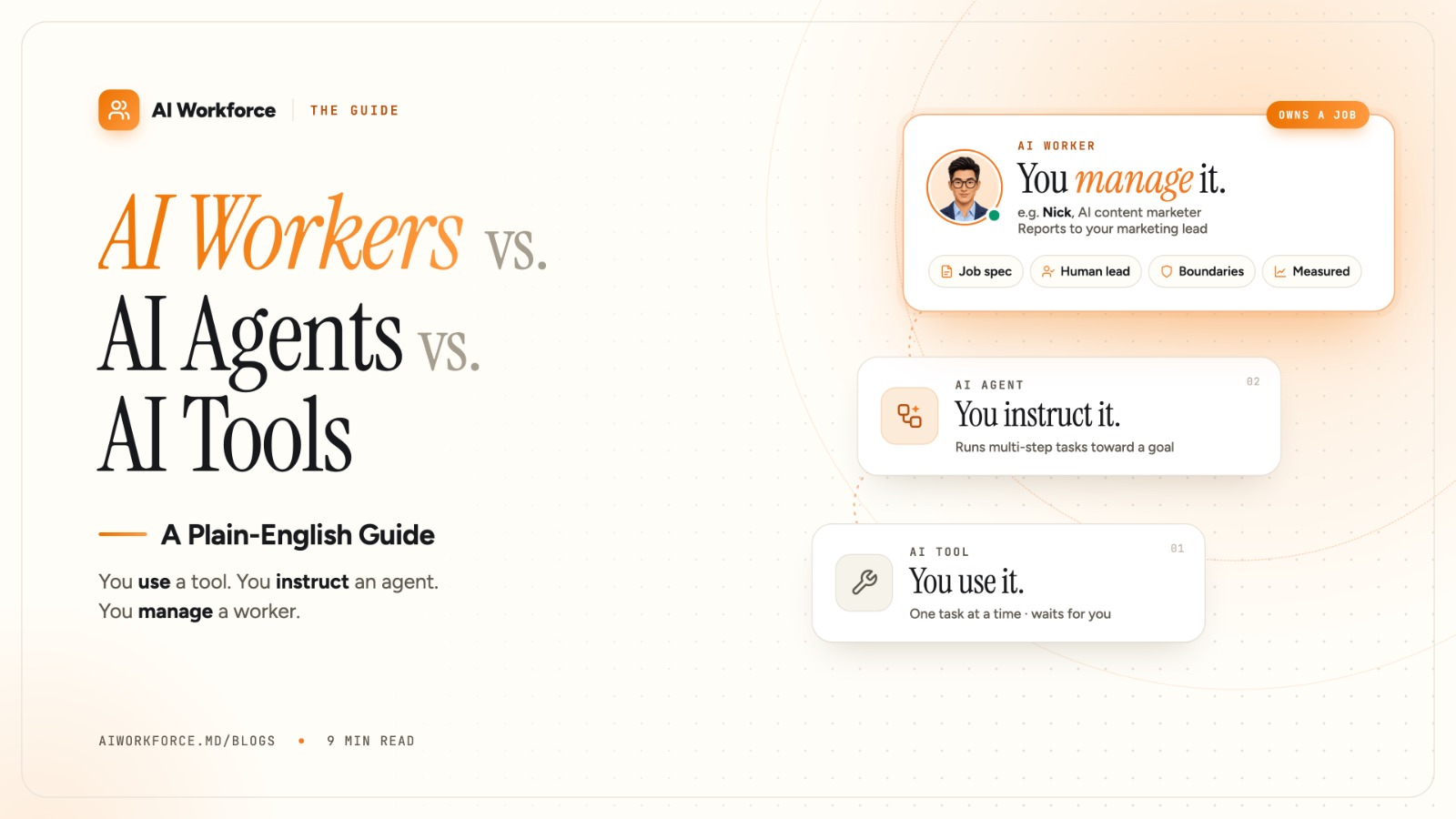
If you're not sure what separates an AI worker from an agent or a tool, start with AI Workers vs. AI Agents vs. AI Tools: A Plain-English Guide.
The five-part system at a glance
Part | What it answers | Who owns it | How often |
|---|---|---|---|
1. Job description | What is this worker responsible for, and what is it not? | The human lead | Written once, updated monthly |
2. Human lead | Who is accountable for its output? | One named person | Ongoing |
3. Approval rules | What can it do alone, what needs a yes, and what goes straight to a person? | The human lead | Set on day one, loosened over time |
4. Feedback loop | How does it get better? | The human lead (through edits) | Every time you review its work |
5. Weekly review | Is it delivering? | Worker reports, lead reviews | Weekly |
Skip any one of these and you're back to running an experiment. Here's how to set up each part.
Step 1: Write the job description
Most AI projects go wrong before the AI does anything. Nobody wrote down what it was for, so nobody can say whether it's working.
A good AI worker job description has six parts:
Purpose: one sentence on why the role exists.
Responsibilities: the recurring work it owns.
Tools and access: which systems it can read and which it can act in.
Boundaries: what it must never do.
Exceptions: which topics it hands to a person before doing anything.
Measures: the 3–4 numbers it's judged on.
Here's the real one for Nick, our AI content marketer:
Purpose | Keep a steady stream of credible content going out in your founders' voice |
Responsibilities | Reads call transcripts, drafts posts and newsletters, holds an editorial calendar |
Tools | Scribe (meeting transcripts), Agent Artifacts, LinkedIn |
Boundaries | Publishes to LinkedIn only, and only after a human approves the draft. No claim without a transcript line behind it. |
Exceptions | Anything about pricing, customers or legal goes to a human before it's drafted |
Measures | Drafts ready per week, approval rate, posts published, replies started |
A practical test: if a new human hire could read the job description and know what a good week looks like, it's specific enough. If they'd have to ask, the AI will guess, and its guesses are where things go wrong.
You'll find a blank template to copy at the end of this article.
Step 2: Name one human lead
Every AI worker needs one named person who approves its work and answers for it. Not a team, not "marketing" and not whoever happens to check. One person.
The lead should be whoever would manage that job if a human held it:
AI worker | Natural human lead |
|---|---|
Content marketer (Nick) | Marketing lead or founder |
Outbound SDR (Jules) | Head of sales |
Inbound (Pepper) | Sales or ops lead |
Sales engineer (Tony) | Technical lead or CTO |
Customer success (George) | Head of customer success |
How much time it takes: expect to review most of its work in the first two weeks, while it learns your standards. After that, it settles into short approvals during the week plus one weekly review. If it still needs heavy rewrites after a month, treat that as a signal. Either the job description is unclear, or this worker isn't the right fit.
Why one person matters: when two people approve, each assumes the other checked. When nobody is named, the AI's output gets published unchecked or never published at all. One owner fixes both.
Step 3: Set approval rules
This is the heart of managing an AI worker. Sort every action it might take into three groups:
Green: acts alone | Amber: asks first | Red: hands to a person | |
|---|---|---|---|
What it means | Low-risk, internal, easy to undo | Visible to customers or the public | High-stakes or sensitive |
Content worker | Reads transcripts, flags ideas, drafts posts, updates the calendar | Publishing any post | Anything about pricing, named customers or legal matters |
Outbound worker | Researches accounts, drafts sequences | Sending to a new segment or changing messaging | Contract terms, discounts, replies to angry prospects |
Inbound worker | Logs leads, drafts replies, proposes meeting times | Replies to new types of question | Refunds, complaints, anything legal |
The rule of thumb: if it's public, involves money or can't be undone, a person says yes first.
Start strict. In the first two weeks, put almost everything in amber. As the worker proves itself, move routine actions to green one at a time. It's much easier to loosen rules than to repair a post or email that should never have gone out.
At AI Workforce, every worker is built this way. Nick, for example, publishes nothing without approval, and pricing, customer and legal topics go to a human before a draft even exists.
Step 4: Build the feedback loop
An AI worker gets better the same way a person does: through specific feedback on real work.
Edit, don't just reject. If a draft is 80% right, fix the 20% and approve it. With Nick, those edits teach the next draft, so tone, word choice and structure improve week by week.
Say why when it matters. "Too salesy" helps a little. "We never mention competitors by name" helps every time after that.
Write your rules down. Keep a short "how we do things" page covering voice, banned phrases, facts it must check and examples of great work. Give the worker access to it. A shared knowledge base such as Agent Wiki works well for this.
Watch the approval rate. It's the simplest signal you have. If you approve more drafts with fewer edits each week, the feedback loop is working.
Step 5: Review results every week
A worker should report to you, not wait to be checked. Ask for a weekly note that covers:
What shipped: what it finished, and what it published or sent with approval.
What's waiting: drafts or actions sitting in your approval queue.
What it flagged: exceptions it handed to a person, and why.
The numbers: its 3–4 measures against last week.
Nick sends his every Friday afternoon. Read it the way you'd read a team member's update: look for trends, not single bad days.
Measures that work, by role:
Role | Measure it on |
|---|---|
Content | Drafts ready per week, approval rate, posts published, replies started |
Outbound | Accounts researched, reply rate, meetings booked |
Inbound | Time to first response, leads qualified, meetings booked |
Customer success | Onboarding tasks completed on time, renewal risks flagged |
Avoid vanity measures like "tasks completed" on their own. Measure the job, not the activity.
Your first 30 days with an AI worker
Week | Focus | What the human lead does |
|---|---|---|
1. Onboard | Give it context | Share past work, calls, docs and your rules page. Approve the job description. |
2. Approve everything | Learn your standard | Review every output. Edit rather than rewrite, and note recurring fixes in the rules page. |
3. Loosen | Build trust | Move 2–3 routine actions from amber to green. Check that the approval rate is rising. |
4. Decide | Judge on results | Compare the numbers to week 1. Keep, adjust the job description, or stop. |
Every AI Workforce worker comes with a 15-day free trial, which covers weeks 1 and 2 of this plan. That's enough time to see whether the approval rate is moving.
When to give more autonomy, and when to pull it back
Give more autonomy when:
You've approved the same type of action many times with no edits.
Mistakes in that area would be minor and easy to undo.
The weekly numbers are steady or improving.
Pull autonomy back when:
It makes a mistake in public, even a small one.
You change something important, such as pricing, positioning or a key product feature.
A new type of situation comes up that the job description doesn't cover.
Pulling back isn't a failure. It's the same thing you'd do with a person in a new situation.
Five mistakes that make AI workers fail
No job description. "Help with marketing" isn't a job. The worker fills the gaps with guesses.
Shared ownership. Three people can approve, so nobody really does.
Approving everything forever. If nothing ever moves to green, you've hired an assistant you have to babysit.
Rewriting instead of editing. If you rewrite from scratch, the worker learns nothing from your changes.
Measuring activity, not outcomes. Fifty drafts nobody approves is worse than five you publish.
Why this matters beyond your team
Human oversight isn't only good practice. It's increasingly what frameworks and regulators expect. The NIST AI Risk Management Framework treats clear roles, accountability and ongoing monitoring as core to trustworthy AI. The EU AI Act's Article 14 requires high-risk AI systems to be designed so people can oversee them effectively.
Most marketing and sales work isn't classed as high-risk. But the pattern is the same at any size: a named person, clear limits and a record of what the AI did. Set it up now and you won't have to retrofit it later.
Template: AI worker job description
Copy this and fill it in before you switch any AI worker on.
Role: [e.g. AI content marketer]
Reports to: [one named person]
Purpose: [one sentence: why this role exists]
Responsibilities: [3–5 recurring pieces of work it owns]
Tools and access: [systems it can read / systems it can act in]
Acts alone (green): [low-risk, internal, reversible actions]
Asks first (amber): [anything public or customer-facing]
Hands to a person (red): [pricing, legal, complaints, anything irreversible]
Measures: [3–4 numbers, reviewed weekly]
Weekly report: [day and time]
Review date: [30 days from start]
FAQ
How do you manage an AI worker?
Treat it like a new hire. Give it a written job description, name one human lead, set rules for what it can do alone and what needs approval, give specific feedback on its work, and review its results every week.
Who should manage an AI worker?
The person who would manage that job if a human held it. For a content worker that's usually the marketing lead or founder. For an outbound worker it's the head of sales.
What should an AI worker be allowed to do without approval?
Low-risk, internal and reversible work, such as research, drafts, notes and calendar updates. Anything public, customer-facing, involving money or hard to undo should need a human's approval.
How much time does managing an AI worker take?
Most time goes into the first two weeks, while you review its work and teach it your standards. After that it's mainly short approvals during the week and one weekly review.
What is "human in the loop" for AI workers?
It means a person reviews and approves the AI's consequential actions before they happen. For an AI worker, that person is its named human lead.
How do you measure an AI worker's performance?
Use 3–4 job results, not activity. For a content worker that means drafts ready, approval rate, posts published and replies. Compare them week to week, and look at the trend over a month.
The bottom line: manage the job, not the AI
Think back to the team at the start of this guide. A smarter model wouldn't have saved them. What would have saved them was a one-page job description, one name on the "reports to" line, and a rule that nothing public goes out without a yes.
That's the whole system, and you can set it up this week:
Monday: write the job description, using the template above.
Tuesday: name the human lead, and block time for daily reviews in the first two weeks.
Wednesday: sort every action into green, amber or red.
Every day after that: approve, edit, and tell it why.
Every Friday: read its report and check the approval rate.
Do that, and an AI worker stops being a tool you have to remember to open. It becomes a teammate who turns up with the work already done and waits for your yes on anything that matters.
The AI does the work. You stay in charge. That's the deal, and it's the only version of AI at work that lasts.
See it on a real job: read Nick's full job description, then put him to the test. Start a 15-day free trial with your work email and give him one meeting. You'll be the human lead, so judge his drafts yourself.