Scribe
Best AI Notetakers for In-Person Meetings in 2026
Compare the best AI notetakers for in-person meetings in 2026, including Otter, Fireflies, Granola, Plaud, Notion, and Scribe, plus how to record them.
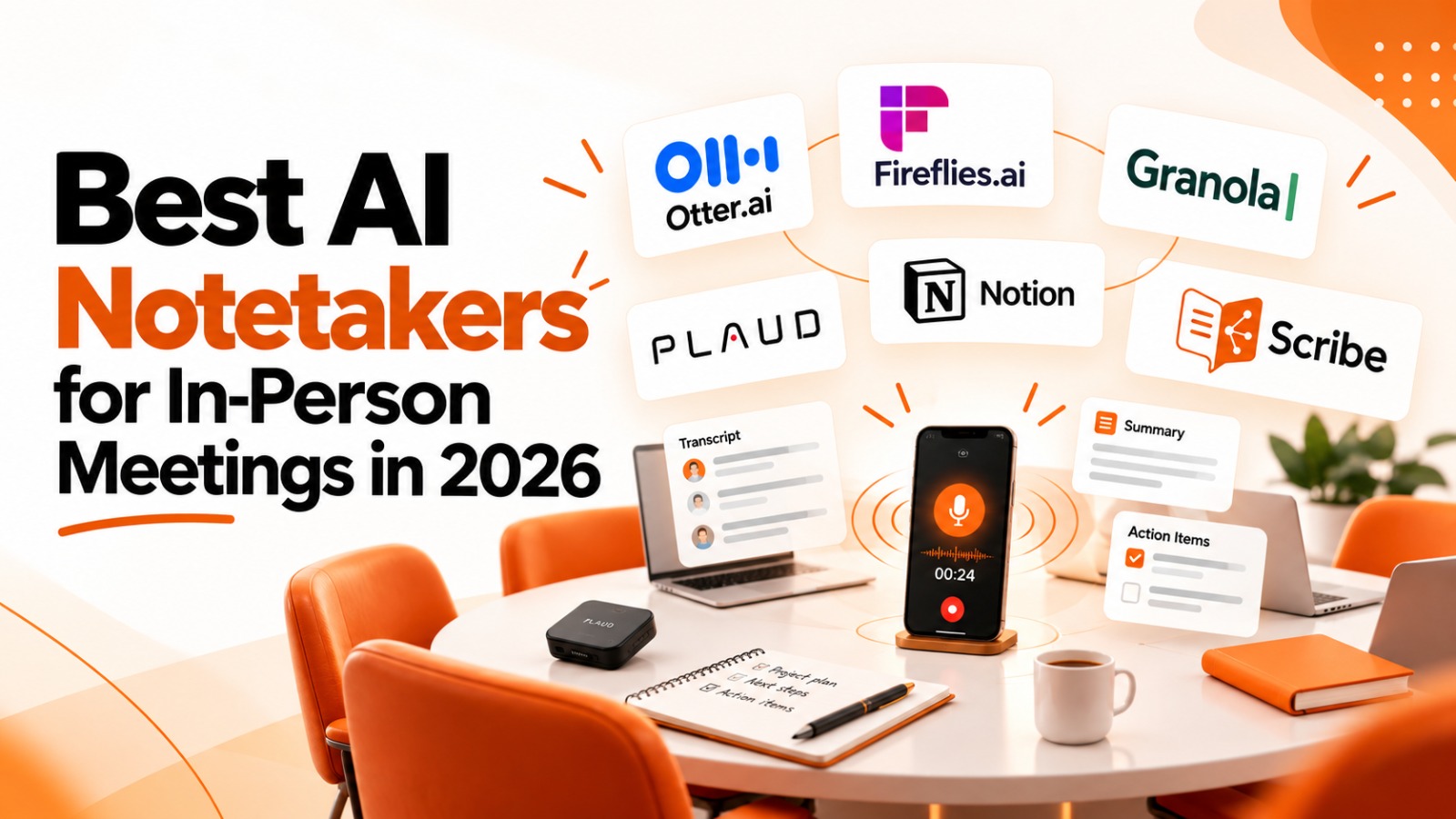
The best AI notetakers for in-person meetings in 2026 are Otter.ai, Fireflies.ai, Granola, Plaud, Notion AI Meeting Notes, and Scribe. Phone apps like Otter, Fireflies, and Scribe suit most teams. Plaud's hardware suits field work. Granola suits people who type their own notes. Notion suits teams already working in Notion.
An in-person AI notetaker is a tool that records a conversation happening in the same physical room, through a phone, laptop, or dedicated device, and turns it into a transcript, summary, and action items without a meeting link or bot.
Most AI notetakers were built for Zoom, Google Meet, and Microsoft Teams. But many important conversations happen face to face: client visits, conference room strategy sessions, site walkthroughs, and hallway decisions. This guide covers how in-person capture works, how to do it well, and how the main tools compare.
Can AI notetakers record in-person meetings?
Yes. Many AI notetakers now record in-person meetings through a mobile app, a desktop microphone, or a dedicated recorder. But in-person capture is harder than recording a video call, for four reasons:
One microphone hears everyone. A video call gives the tool separate audio per participant. In a room, it has to separate voices from one stream, so speaker labels are less reliable.
No calendar trigger. Someone has to start the recording, so fast one-tap capture matters.
No bot announcement. It's on the person recording to tell everyone in the room.
Notes can end up split. If in-person notes live in a different app from call notes, your team has two partial records of the same work.
How do you record an in-person meeting with AI?
To record an in-person meeting with AI, open your notetaker's mobile or desktop app, tell everyone you're recording, place the device near the center of the group, and start recording. Most tools then generate a transcript, summary, and action items when you stop.
Ask for consent. Tell everyone at the start and confirm they're comfortable.
Title the meeting. A clear title makes it easier to find later.
Place the device centrally. Put your phone or recorder in the middle of the table, away from laptops and air vents.
Record, then save. Start before the conversation begins and stop once it ends.
Review and share. Check the summary, confirm action item owners, and share notes with the people who need them.
What are the best AI notetakers for in-person meetings?
Each tool below records in-person conversations, but they're built for different people. Scribe is our product, and we've described it the same way as the others.
Otter.ai: best for teams already using Otter on calls
Otter's mobile app records in-person conversations through your phone's microphone, with one-tap recording from a widget or shortcut. Its app listing names in-person meetings alongside Zoom, Meet, and Teams, and notes are searchable and shareable with teammates. Reviewers often describe Otter as call-first, with in-person recording added to that workflow.
Fireflies.ai: best for one feed of call and in-person notes
The Fireflies mobile app for iOS and Android records in-person meetings, adds Fireflies to live calls, and lets you search notes and manage tasks from your phone. Recordings sync to the web app, where AskFred, its meeting chatbot, answers questions. Fireflies has offered unlimited transcription for in-person recordings made in the app, so check current terms.
Granola: best for people who type their own notes
Granola's iPhone app is built for in-person meetings and blends your typed notes with an AI summary. Granola's docs explain that the iPhone app can't transcribe virtual calls, since iOS doesn't let apps capture other apps' audio, so calls run through its desktop app. Templates and integrations like Notion, Slack, and HubSpot also require the desktop app.
Plaud: best for field work and client visits
Plaud uses dedicated hardware instead of an app. NotePin S is a wearable that clips to clothing or a lanyard and transcribes with speaker identification. Plaud Note Pro sits on a conference table, and Plaud Desktop captures online meetings without a bot. It's a device to buy and carry, built for individuals more than shared team workspaces.
Notion AI Meeting Notes: best for teams already on Notion
Notion's AI Meeting Notes records through your phone's microphone on the mobile app, and Notion says mobile works best for in-person meetings. Notes sit next to your docs and projects. It requires a Business or Enterprise plan or an eligible mobile subscription, and Notion notes that speaker labeling may be limited in person.
Scribe: best for teams that want one shared meeting record
Scribe, from AI Xccelerate, records in-person conversations from your phone or computer and keeps them in the same Meetings library as calls captured by its meeting bot. The flow is simple: add a title, allow the microphone, start recording, and save. Scribe's Usage page shows bot time and in-person time separately.
After capture, Actions tracks owners and status, and Ask Scribe answers plain-language questions across every meeting a user can access, in person or online. Task integrations (Linear, Asana, Jira, Google Tasks, Microsoft To Do) and MCP and API access carry that data into other tools. Scribe is a newer product, so test it in your own rooms first.
AI notetakers for in-person meetings compared
Tool | In-person capture | Also records calls | Best for |
Otter.ai | Mobile app | Yes, meeting bot | Teams already on Otter |
Fireflies.ai | Mobile app (iOS, Android) | Yes, meeting bot | Teams wanting one feed |
Granola | iPhone app, desktop mic | Yes, desktop app, no bot | Individuals who type notes |
Plaud | Wearable or tabletop device | Yes, Plaud Desktop | Field work, client visits |
Notion AI Meeting Notes | Notion mobile app | Yes, desktop system audio | Notion-first teams |
Scribe | Mobile and desktop | Yes, meeting bot | Teams wanting one shared record |
Features and plans change often in this category, so check each vendor's current documentation before deciding.
Which in-person AI notetaker should you choose?
Choose based on where your meetings happen and who needs the notes afterward.
You're in the field or can't set a phone down: a wearable like Plaud.
You like typing your own notes during meetings: Granola.
Your team already runs on Notion: Notion AI Meeting Notes.
You already pay for a call notetaker: try its mobile app first, whether that's Otter or Fireflies.
Your team wants in-person and call notes in one searchable library, with shared action items: Scribe, or another team-first tool that keeps both together.
Whichever you choose, test it in a real meeting room. Room size, background noise, and device placement all affect results.
See in-person capture in Scribe
The best way to judge an in-person notetaker is to use it where your meetings actually happen. To see how Scribe records in-person conversations and keeps them alongside your calls, watch the Scribe product demo walkthrough. Then run a 15-day trial at scribe.aiworkforce.md: record a conversation on your phone, send Scribe to your next call, and ask what was decided across both.
Frequently asked questions
Is it legal to record an in-person meeting?
It depends on your location. Some places require consent from everyone in the conversation, others from only one person. The safest habit is to tell everyone at the start and get their agreement. This isn't legal advice, so check the rules where you work.
Can I use an AI notetaker without a bot?
Yes. In-person recording never uses a bot, because the tool listens through your phone, computer, or recorder. Some tools, like Granola and Notion, also capture online calls without a bot by recording your computer's audio.
Do I need a dedicated recording device?
No. A phone or laptop works for most small and mid-size meetings. A dedicated device helps in large rooms, when you're moving around, or when you can't put a phone on the table.
How accurate is speaker identification in person?
It's usually less accurate than on a video call, because every voice comes through one microphone. Placing the device centrally and limiting cross-talk improves results.